One of the fastest‑growing directions for Digital Signage solutions is the education system. Video walls in lobbies or conference halls, broadcasting class schedules or other important information, audio and video content, entertaining material during breaks, interactive or projection boards to organize the most productive learning process for different age groups of pupils and students — we’ll cover these and more in today’s article dedicated to September 1st — Knowledge Day.
We don’t just live in turbulent times — we live in a time of war, challenges and hardships not only for adults but for children as well. It’s obvious that building high‑quality educational processes and raising the overall level of education is key to the successful future of the Ukrainian nation. The quality of education today directly affects the success of life in the near future and the ability of the next generation to develop our country and economy. Accordingly, a modern approach to learning in most educational institutions requires maximum attention to detail. Using Digital Signage software and hardware based on the unified platform DSGO.pro in education allows you to consolidate content management into a single control center.
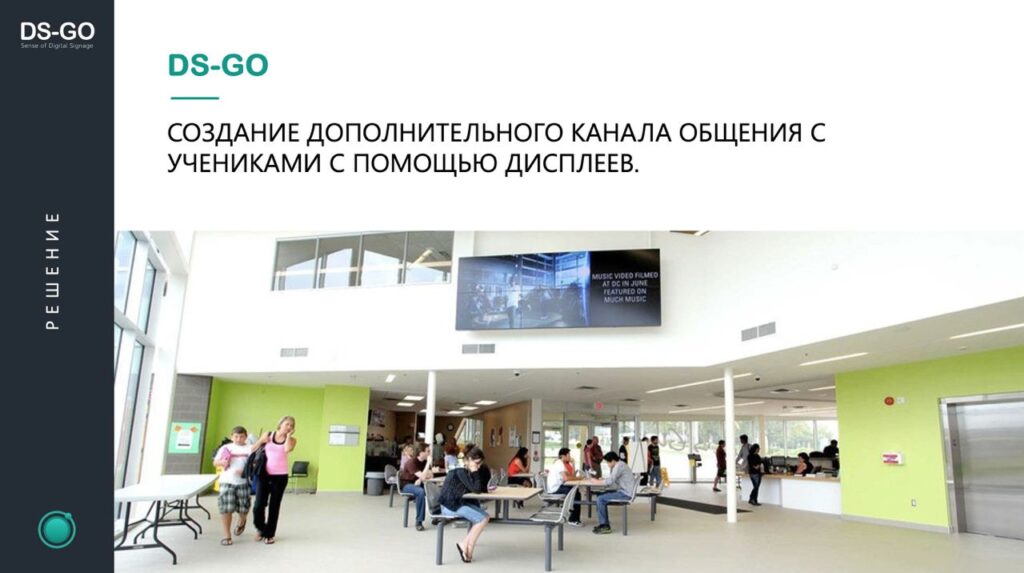
In the era of technological development, digital displays continue to lead among methods of information exchange. Educational institutions from primary schools to universities use this unique tool to improve communication, engage students and foster a supportive learning environment. The technological capabilities of our Digital Signage software allow it to be used in a wide variety of implementations.
Main ways to use digital displays
There are many variations of Digital Signage use in educational institutions.
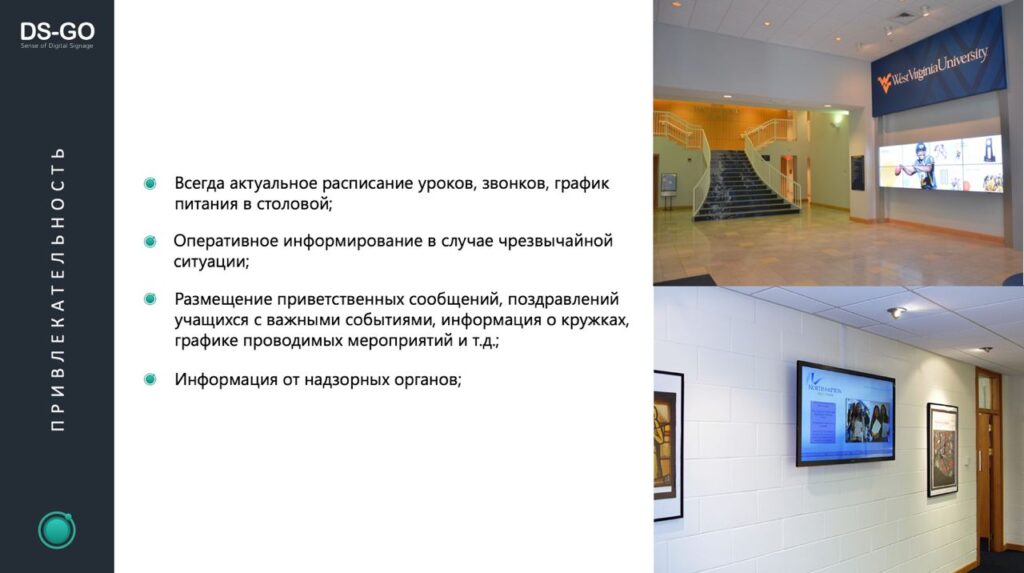
Video walls — creating classic or mosaic LCD or LED video walls located in the school lobby or conference hall has always been, and will remain, an essential part of organizing various events. Public talks, presentations and other events are always accompanied by presentations and projection of information onto a digital surface.
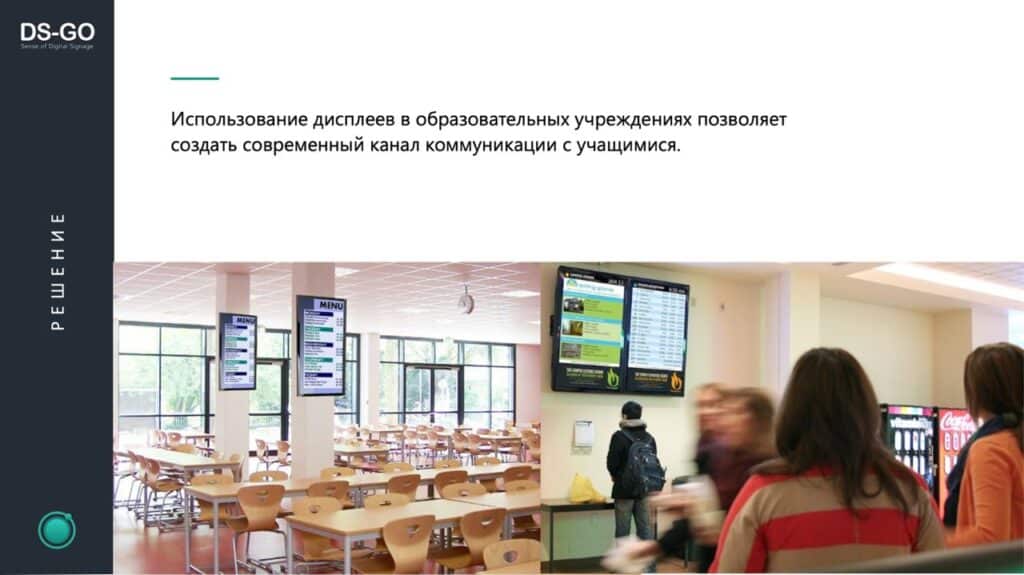
- Class schedules — an equally important, and in some cases the most in‑demand feature. An automated system for updating timetables for classes, clubs and other school activities.
- Cafeteria and buffet menus — digital menus have become the norm in modern public dining. Centralized management of appetizing, attractive and informative clips on screens in the dining area will not only improve the atmosphere but also allow the institution to increase profitability through better presentation of offered dishes.
- Information‑entertainment panels in corridors, elevators or other gathering places — another way for administration to communicate with students. Broadcasts can include information about extracurricular activities, upcoming events, group achievements and other useful announcements.
- Urgent notifications — perhaps the most important function during wartime. Immediate alerts about air‑raid warnings should be duplicated in audio format (public address system) and displayed on screens with evacuation maps or navigation guidance to bomb shelters and building exits, including directions to classrooms, buildings and departments.
- Support for a mobile app and navigation. Digital displays sync easily with mobile devices and can serve as excellent navigation for new flows of pupils, students and visitors. Navigation helps people quickly adapt to unfamiliar spaces, allowing easy orientation via smartphones. To get route information, just activate mobile route search within your school’s Digital Signage system.
- You can also place QR codes on screens in strategic locations around the campus. Students and visitors can scan them with smartphones to receive route data via the mobile route search system.
- Holiday event design using digital displays. Bright, dynamic content with greetings on a professional LED screen in the lobby looks attractive and timely, creating a warm, welcoming atmosphere for visitors, pupils and students. Digital Signage software and hardware are attention magnets for different age audiences and can be a powerful catalyst for creating an unforgettable impression.
A digital display is an excellent virtual guide
This feature helps make the learning process more engaging. Thanks to technical capabilities, video and high‑quality images that simulate real environments can be shown on LED screens. Teachers can use educational digital displays to conduct virtual museum tours and visits to historical sites for children.
This presentation format is far more interesting for children and helps them better understand and retain the subject matter. Instructors can use this lesson style to show videos featuring native speakers from different countries, allowing students to practice language skills and learn about other cultures. This broadens pupils’ horizons and deepens their cultural engagement in learning.
Previously on the blog we covered: Advantages of using Digital Signage in education
- Deliver key and important information to parents, announcing internships, courses and exams.
Digital displays can effectively and promptly inform parents and visitors about available internships, professional development courses and youth clubs. They can also broadcast information about the required documentation for enrollment, saving time on organizational matters.
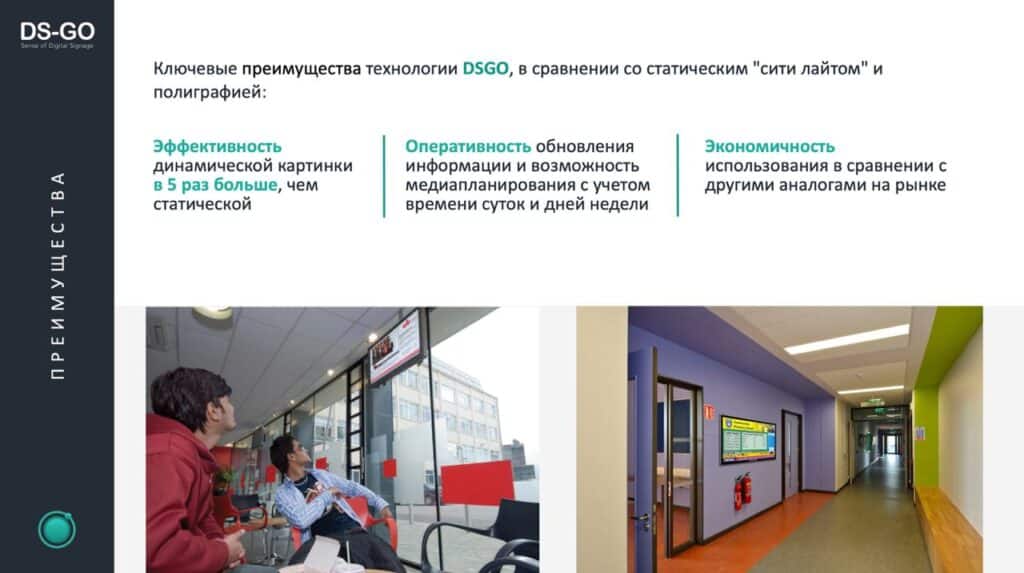
- Broadcasts of educational programs about technological innovations.
Such content demonstrates your concern for students. Relevant, informative material is always valuable. Showing it on digital displays in classrooms, corridors and the lobby exposes students to the latest technological trends and innovations, encouraging them to independently explore and apply new technologies and thereby expanding their knowledge in the field.
Teachers can also use Digital Signage software to showcase the best student works, motivating others and giving top performers a chance to share their technological discoveries with peers.
- Broadcast of graduation ceremonies
One of the milestone events in a student’s life is graduation. Of course, preparation and design for this day are essential. Use digital displays to provide important information to graduates and their families — for example, the time and place of the diploma ceremony and seating arrangements for parents and guests.
Most importantly, digital displays can present congratulatory messages to graduates accompanied by photos and videos of their school days. These moments are priceless, so it’s important to celebrate them vividly and memorably.
Our company, Innovative DMC, always stays on top of current technological innovations and opportunities.
Our team of experts uses the best equipment to implement Digital Signage projects and automate content‑management processes.
We offer high‑tech monitors with impeccable image quality. Whether it’s a video wall or a touch monitor, the image is always high‑resolution and creates an immersive experience.
We are happy to make all your ideas a reality!
If you have any questions or partnership proposals, contact us to discuss the details of your project: idmc@idmc.com.ua or +380444657710