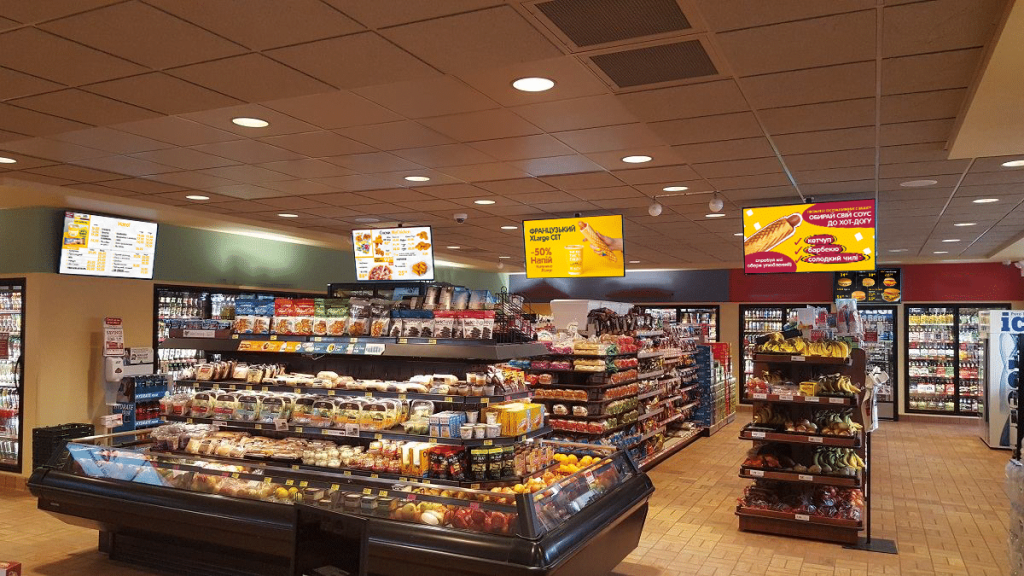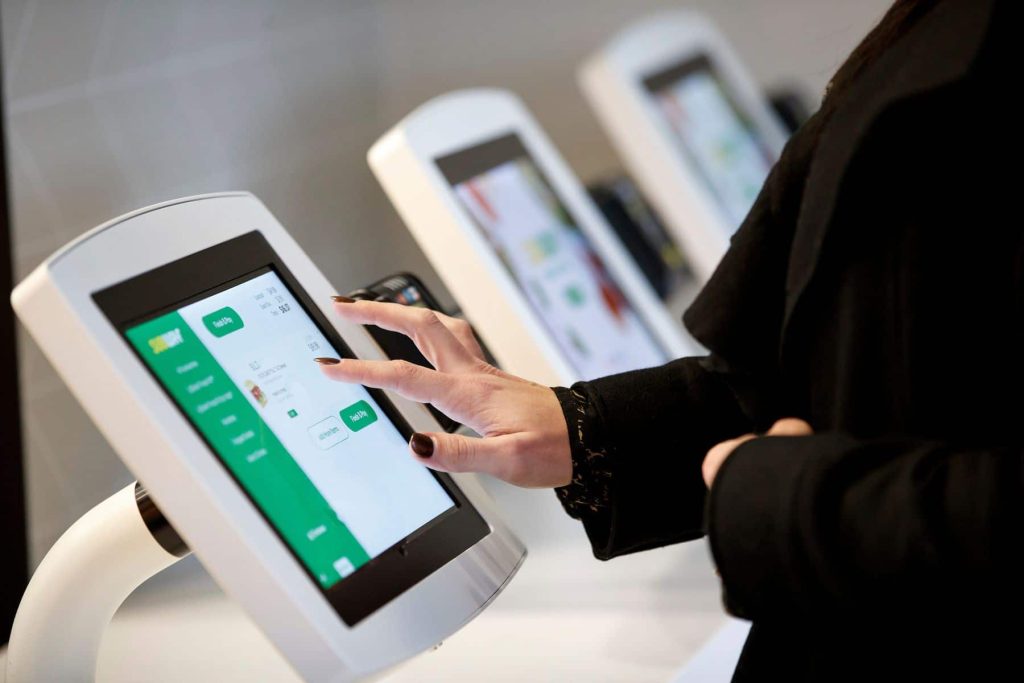
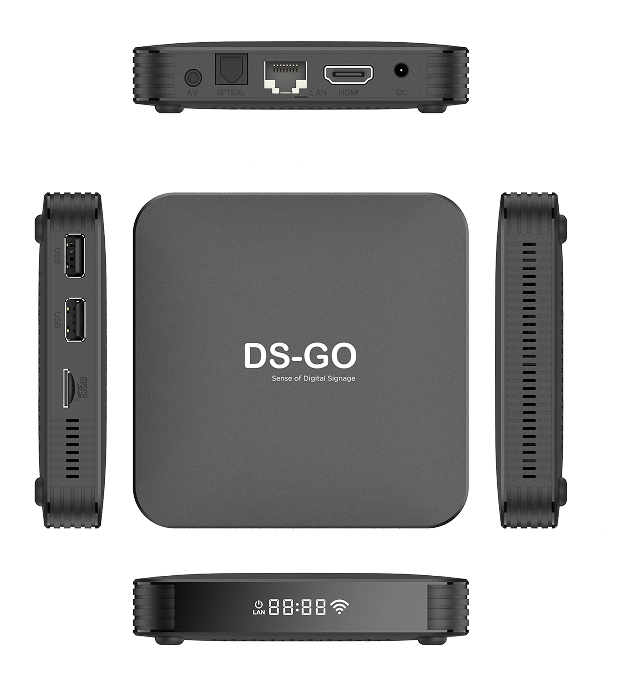
What is a media player for digital signage?
A media player is the “brain” of your Digital Signage system. This small computer turns an ordinary screen into a powerful marketing tool, managing content automatically and on a schedule.
Centralized control
Manage content for an entire network of screens from one place. Ideal for retail, HoReCa, and offices.
Stability and reliability
Operates 24/7, stores content locally, and automatically resumes operation even during network outages.
Flexibility of formats
Supports any screen: from standard TVs to bar displays and square panels.
Comparison of media player types
The right choice depends on what content you need to display and how you plan to manage your network. Here is a comparison of the three main types of solutions:
Android players
Convenient for typical signage applications and quick start-up.
Good for standard video and template scenes.
Often via MDM or cloud platforms.
x86 (Windows/Linux)
Flexible for complex integrations and non-standard applications.
Best for “heavy” content and complex logic.
Complete IT tools, more options for your network.
Integrated (SoC)
Tied to the display manufacturer’s ecosystem.
Sufficient for basic scenarios, minimal cabling.
Depends on the model and manufacturer’s tools.
Types of digital signage and requirements
The choice of media player should start with the screen format and usage scenario, rather than the TV brand.
Standard LCD displays
Used in retail, HoReCa, and offices. Critical stability of video and graphics playback on schedule.
- Resolution compatibility
- Frame refresh rate
Bar and square displays
Non-standard aspect ratio for “digital shelves” and display cases. Requires precise mapping of content areas.
- Portrait mode support
- Flexible layouts (zoning)
How to choose a media player: a step-by-step plan
The best option is one that consistently reproduces the desired format and supports remote control.
- 1
Define your business goal and environment
Define the purpose (actions, navigation, menu) and operating conditions (light, vibrations, personnel access). This affects reliability requirements.
- 2
Match the screen and content
The type of screen (LCD, bar) and type of content (static photos or heavy video) determine the required processor performance and memory.
- 3
Plan your management and budget
Who updates the content? What access rights are required? Are there plans to scale the network? This will help avoid support issues in the future.
Common mistakes when choosing
Underestimating productivity
The player may be able to play one video, but freeze when the screen is divided into zones or during animation. Always test the actual scenario.
Ignoring the format
The choice of a player “for TV” breaks down on bar displays. Check for support for non-standard aspect ratios.
Lack of security
Purchasing devices without access and logging policies leads to manual incident “treatment” by visiting sites.
Frequently asked questions
Should you replace your regular TV with a professional one?
Not necessarily. The media player turns a regular screen into a controllable display. If you have a high-quality external LCD display, the player will add scheduling and remote control functions without replacing the screen itself.
Are Android media players suitable for advertising?
Yes, they are great for simple scenarios and quick starts. However, for complex corporate networks, it is worth checking their capabilities for long-term support and security policies.
What should you look at first?
Start with a list of content and network requirements: video formats, update modes, necessary ports, and Internet connection stability.
Key recommendations
Choosing the right media player starts with considering the content, screen type, and scaling plan.
- Check the technology and display format (standard, square, bar)
- Specify the interfaces for connecting to the screen
- Determine the type of content (dynamic for shelves or display boards for transport)
- Зафіксуйте відповідальних за керування (ІТ чи маркетинг)