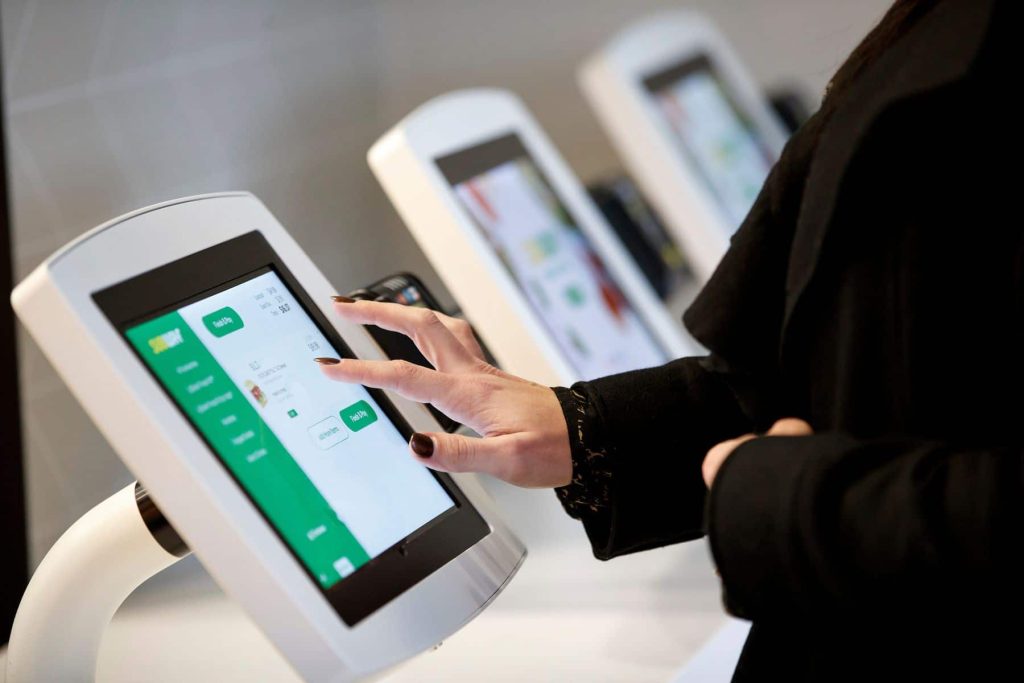

Touch screens are everywhere — touch monitors are ubiquitous. Just take a look: your smartphone, tablet and car’s onboard computer all have touch panels. The keyboard and mouse already feel outdated, while touch displays are a more intuitive technology for users. Touch screens save space, are easy to operate and maintain — they are becoming leaders among digital technologies.
Touch monitors are being actively implemented in the HoReCa sector, which allows you to:
- establish quality communication with your target audience;
- improve service levels;
- attract customers’ attention and increase their loyalty;
- increase profits for a restaurant or hotel.
Want to use innovative solutions, including touch displays, in your venue? Decide which type suits you by considering the following aspects:
- How will your customers interact with the technology?
- What size and screen type fits your space (dining area, lobby, etc.)?
- What goals are you pursuing by choosing a Digital Signage solution?
In the hotel and restaurant business, resistive and capacitive touch screens are most commonly used.
Resistive touch monitors
A resistive touch display consists of two layers: a glass panel and a flexible membrane. When pressed, they make contact and inform the computer of the user’s action. One significant advantage of a resistive touch screen is that almost any object can be used for input (a pen, a tool, a gloved finger, etc.). That is why resistive monitors are often used in restaurants, factories and hospitals due to their high resistance to liquids and contaminants;
Features of resistive displays:
- affordable cost;
- high resistance to dust and water;
- handwriting recognition;
- low sensitivity;
- poorer contrast due to additional reflections from the extra material layers placed over the screen;
- no multi‑touch functionality;
- vulnerability to damage from sharp objects.
Capacitive touch monitors
Projected capacitive (PCAP) touch technology is most often used in smartphones and tablets, but it is quickly becoming the preferred option for larger touch screens and terminals.
A capacitive touch display acts as a conductor. Since the human body also conducts electricity, touching the monitor alters the electrical charge on the screen. The location of this change is then used to determine where the screen was touched. To detect a touch correctly, a bare finger or a special stylus must be used.
Features of capacitive displays:
- multi‑touch capabilities: pinch‑to‑zoom, drag objects and more;
- protective features;
- long service life;
- high touch accuracy;
- excellent image quality;
- modern design;
- built‑in camera;
- more expensive than resistive screens.
Attention! Capacitive monitors are not recommended where staff may have wet hands (bar, kitchen). In that case, the screen will “detect” touches but the cursor may move erratically.
Which monitor to choose: resistive or capacitive?

Each type has strengths and weaknesses. It’s important to consider every aspect: ease of use, users (staff or customers), cost and, importantly, display size. If the screen is too small, customers may not notice it, and it will be inconvenient for staff. If the monitor is too large, it may look awkward.
A properly selected touch display will become a useful and stylish addition to a restaurant, hotel or store. After assessing your business needs, you’ll be able to determine the optimal touch screen type for you.
Questions? Ask the specialists at Innovative DMC